



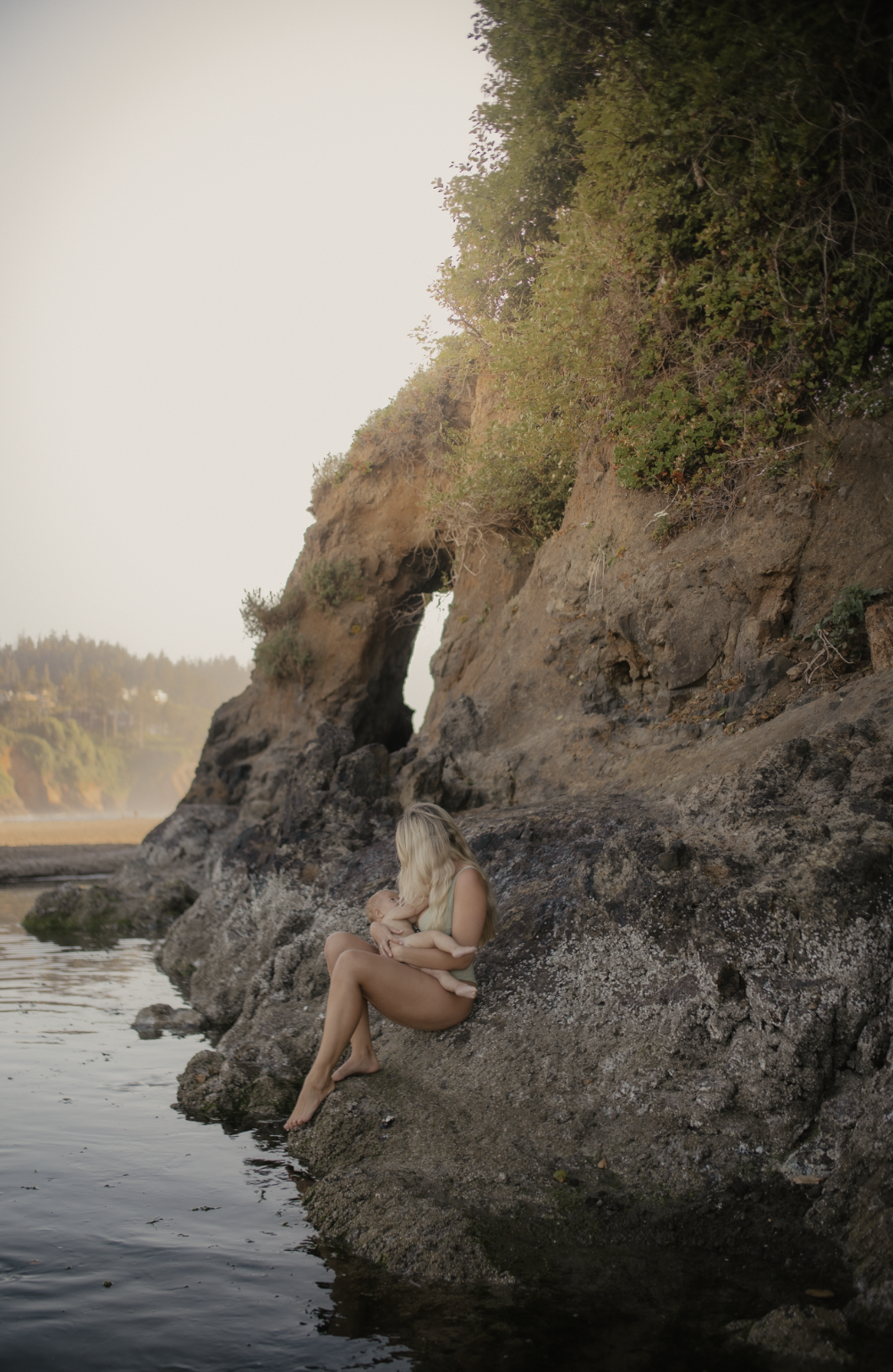




Desktop
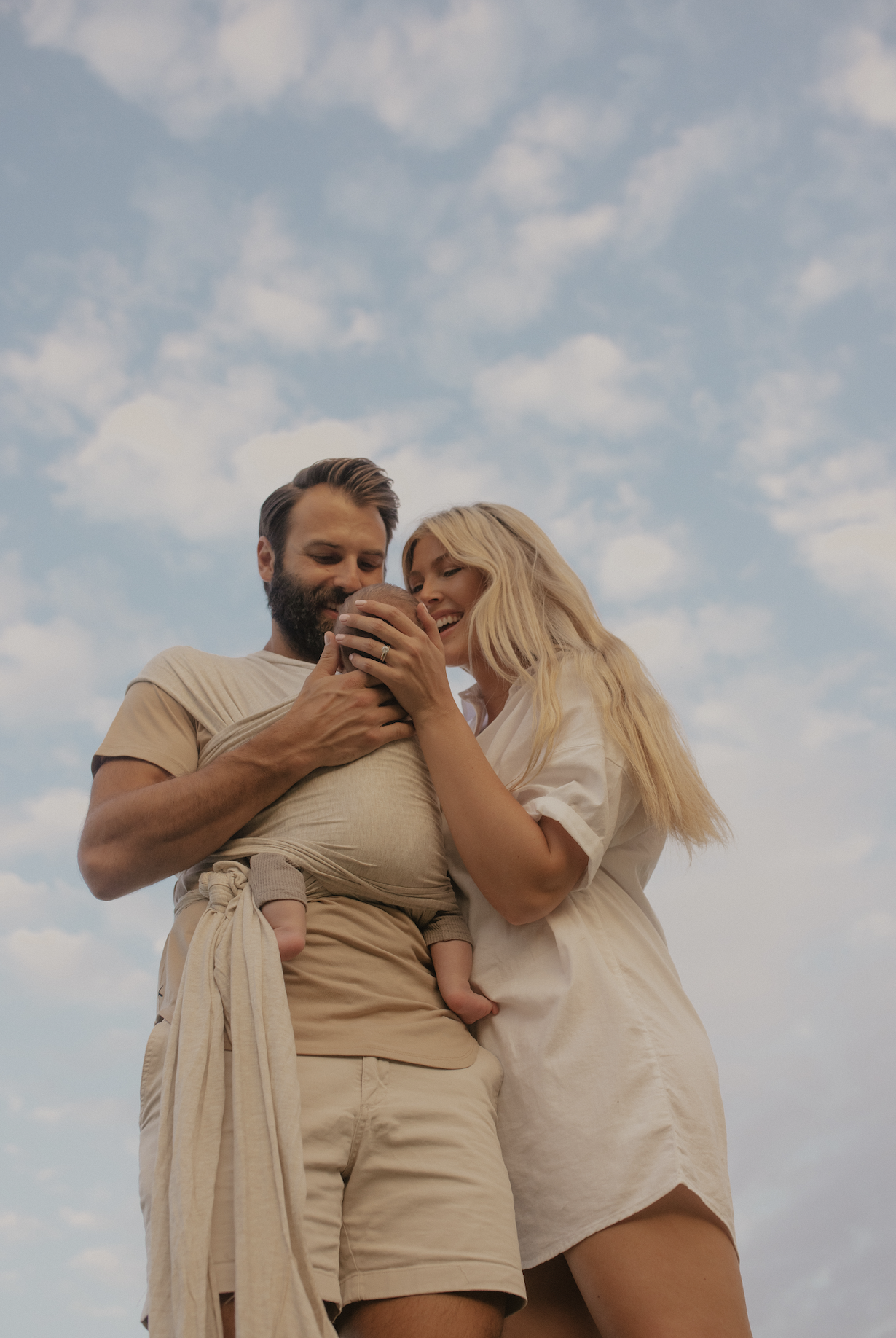
Mobile
Pre-configured settings intended for enhancing raw photographs captured using DSLR/Mirrorless cameras, and applied directly within Adobe Lightroom on a computer.
Pre-made configurations intended for enhancing images & video captured with mobile devices, and adjusted using Adobe Lightroom on Mobile.

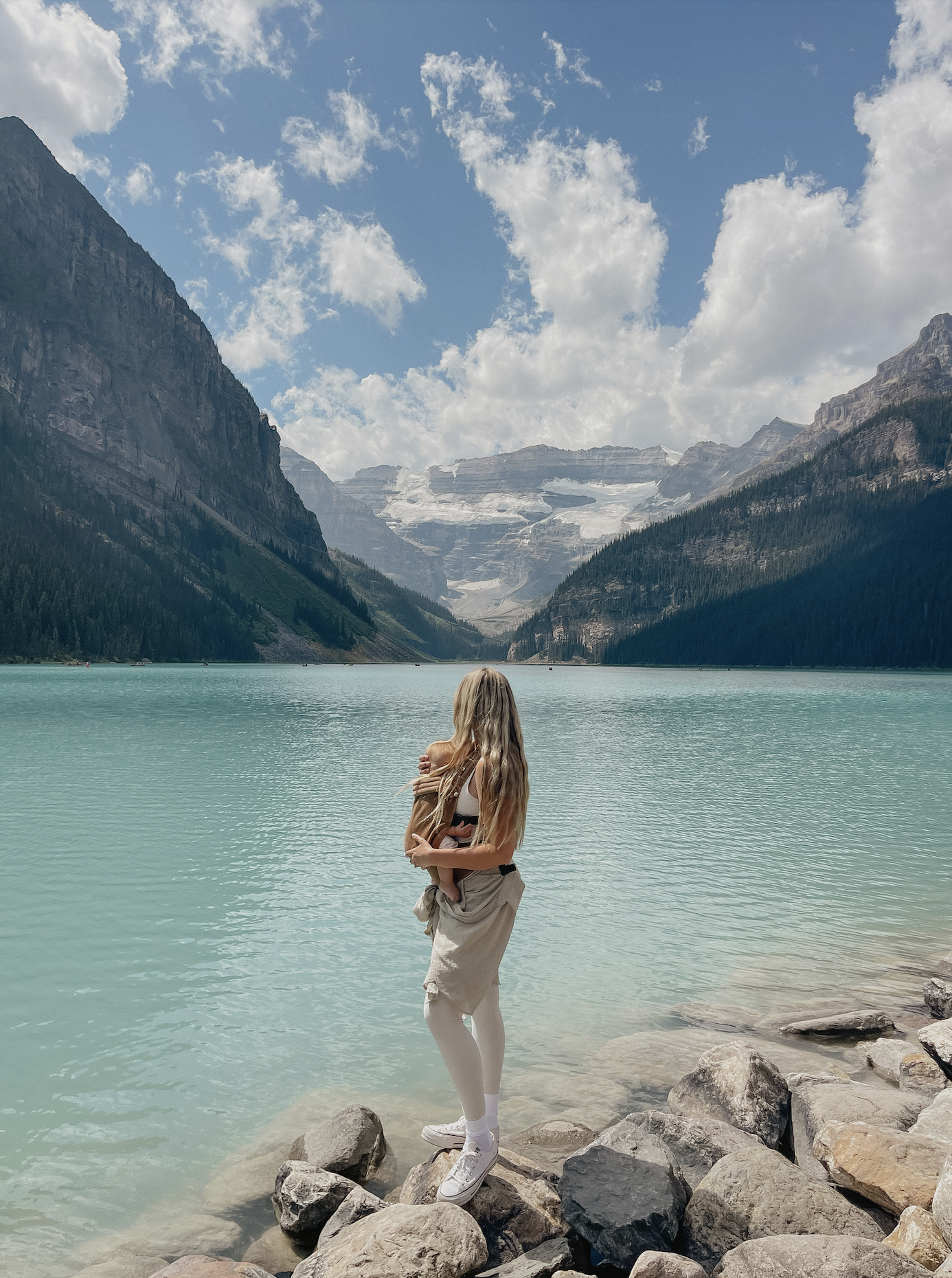
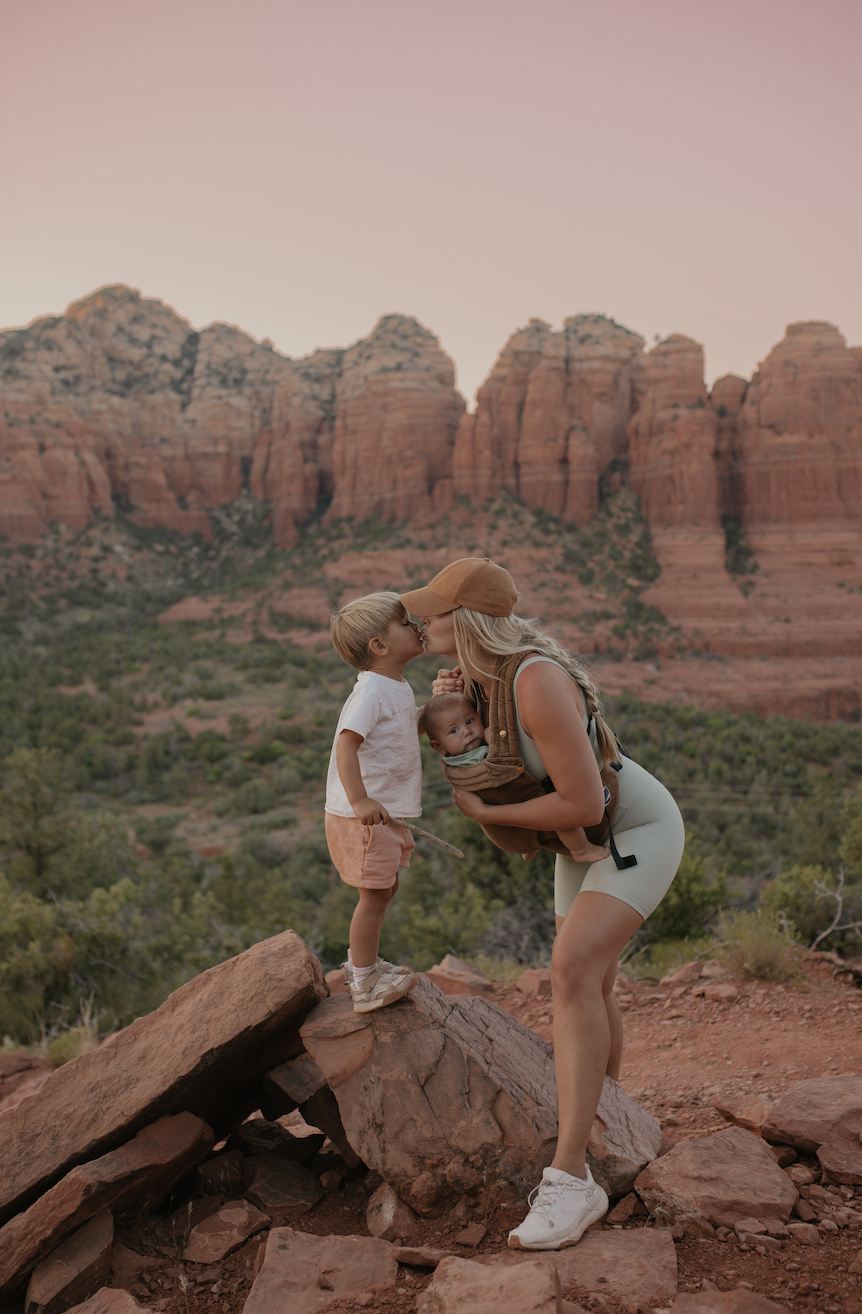


Witness an instant metamorphosis of your images
Presets are sophisticated filters employed in Lightroom by professional photographers, elevating their photos and ensuring a unified personal style. With a single click, presets can revamp your image's entire appearance, impacting its tones, lighting, and contrast.
Elevate your personal photos, imbue a professional aura into your business images, or elevate your Instagram feed's appeal through seamless, aesthetically pleasing enhancements.
Read what people are saying:
It’s not too often that you find a preset pack that is ready to use right out of the gate. I’m a sucker for softer highlights and a natural but nicely processed look and I couldn’t be happier with the whole collection. Often times, presets can be complicated to look into if you are looking for subtle changes in aesthetic but these allow for so much freedom when experimenting, all while retaining their original mood and look. Commercial, editorial, and advertising projects have all been elevated thanks to these and I could not be more pleased with the results!
Working with Kopersen presets has been a dream. My business relies on the quality and beauty of the photos I deliver to my clients and these presets have become my go to for both family photography sessions as well as content for my professional Instagram account and blog. I edit a lot of photos weekly, and when I’m looking for a preset pack I need the perfect balance of performance and ease. This preset pack offers stunning one click edits that require very few tweaks, saving on time and delivering a stunning aesthetic. Kopersen presets are airy and natural with a touch of film. They are very versatile and offer both cool and warm options which I love! They’re really a one stop shop for both experienced and budding photographers. I am Loving these presets so much, and so happy I found them!
I discovered these presets because I follow Kopersen Co and I LOVE their photography style & edits. I’m always hesitant to buy presets because they don’t always meet my expectations… BUT these… they created MAGIC. What you see is what you get, and they work amazing on every photo with very little adjustments needed. I’m SO glad I pulled the trigger on these presets. If you’re thinking about it, I 10/10 recommend!
FAQ
Is professional experience necessary to use these presets?
Should I get the desktop or mobile pack?
No! The most appealing aspect of these presets lies in their universal usability. They cater excellently to both amateur and seasoned photographers. They are extremely user-friendly and demand nothing more than slight adjustments to exposure and white balance. If you primarily capture images using your phone, these presets are perfect for you!
Desktop presets are crafted for application on RAW images, whereas Mobile presets are optimized for photos captured on mobile devices. (Mobile images are typically stored in formats like JPEG or HEIC.) While the technical compatibility of a preset extends to any image format, using presets on unintended formats often necessitates additional adjustments. If you use a DSLR or Mirrorless camera, I recommend the desktop pack, and if you primarily use your phone, I recommend the mobile pack.
How do I download and install my presets?
How do you use the presets?
To use the desktop presets, you will need to have Lightroom installed on your computer. To use the mobile presets, you will need to have Lightroom Mobile installed on your phone (free app on iphone & Androids). Included in your purchase is a user guide to get the most out of your presets.
When you purchase your presets, you will receive an email with 3 downloads. One of these is an “installation guide” which will help you download your assets. If you require visual assistance, I recommend searching “how to install Lightroom presets on mobile/desktop” on youtube.